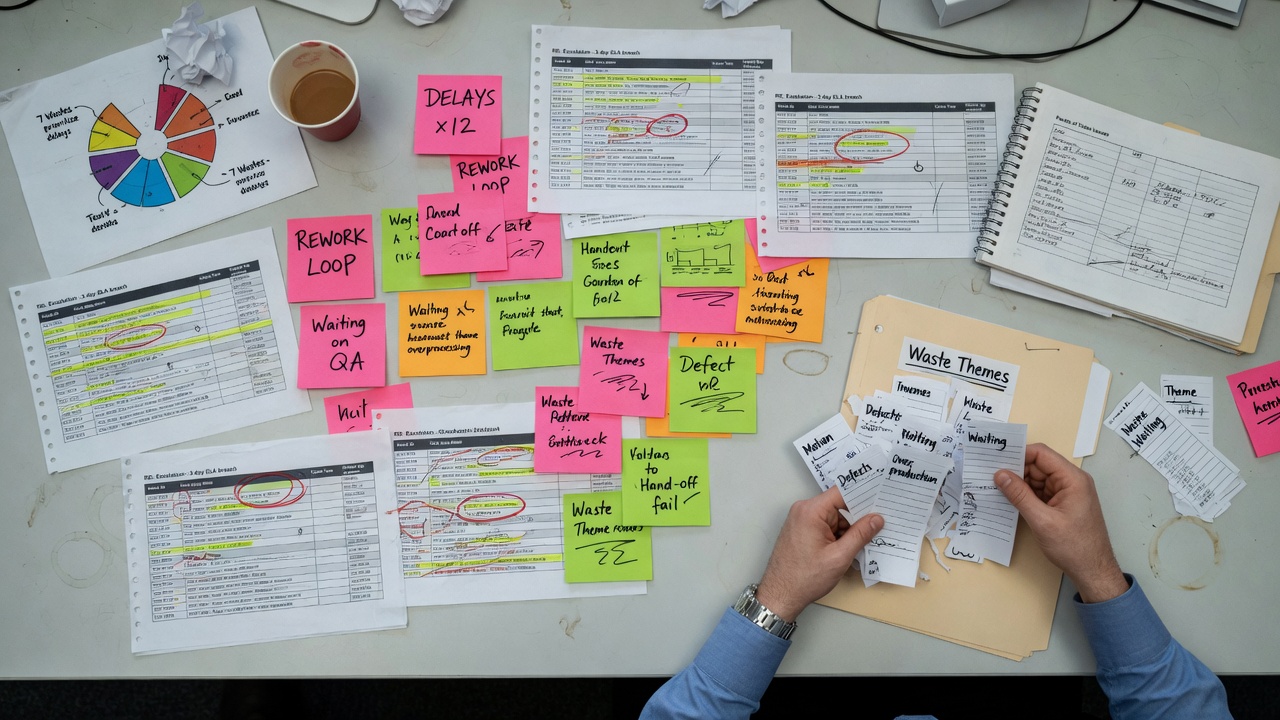
Most waste in knowledge work does not show up on a clean dashboard. It shows up in ticket comments that say "waiting on finance," in email threads that restart every Monday, and in chat threads where the same clarification is typed for the fifth time this quarter.
Lean people have language for this. Waiting, rework, overprocessing, defects, motion, inventory of half-finished work. The hard part in offices is not naming the wastes. It is seeing them at scale when the evidence lives in unstructured text. That is where AI can help, if you stay honest about what it is doing.
I am not claiming a model can replace a Gemba walk, a time study, or sitting with the team for a morning. It cannot feel the friction of a bad form or a flaky system. What it can do is read a lot of logs faster than a human and propose clusters that look like waste themes. Those themes still need a human with process sense to verify, prioritize, and design the fix.
Tickets with status history and free-text comments. Email exports from shared inboxes (with privacy rules respected). Chat channel exports for ops or support teams. Sometimes change-request notes or incident timelines. The more time stamps and actor fields you have, the better. Pure narrative without any structure still helps for themes, but ranking impact gets fuzzier.
Strip or mask personal data before you paste anything into a tool that leaves your environment. If the work is sensitive, use an approved enterprise model or keep processing local. Waste hunting is not a reason to leak customer details.
I usually ask for three passes, not one magic summary.
Then I ask for a rough ranking: frequency signals, severity language (words like urgent, escalation, customer waiting), and how many teams show up in the same mess. Ranking is approximate. That is fine for a backlog workshop. It is not fine as a financial business case without more measurement.
Kaizen, simply put, is continuous improvement in small, deliberate steps. A kaizen-style backlog is a short list of improvement opportunities you can work one at a time, not a multi-year transformation program dressed up as sticky notes.
For each top cluster, write a card with:
Then cut hard. Three to five cards for the next cycle often beats twenty themes nobody will touch. AI is good at expanding lists. Facilitation is good at shrinking them.
Models love to blame people. "Staff need more training" appears often because it is a common sentence in the wild. Sometimes training is real. Often the process is unclear, the tool is clumsy, or incentives reward speed over completeness. Read past the first moral lesson the model offers.
They also overfit to loud language. One angry thread can dominate a small sample. Check volume. Check whether the same issue appears across quiet tickets that never escalate.
And they can invent neat process fixes that ignore constraints: policy, union rules, legacy systems, peak season staffing. Keep a "constraints" column on the backlog so fantasy solutions die early.
When a waste theme is sticky, I often sketch the path of work as a simple process map, then run root cause analysis on the worst failure mode. Free tools on this site cover both: Process Map Studio and the RCA tool. The AI pass finds candidates. The map and RCA force structure before you change something important.
If you already have event logs from a system of record, process mining may beat chat analysis for cycle time and path variants. Unstructured logs still matter for the "why it felt broken" layer that pure timestamps miss. Different tools, different jobs.
Export a month of tickets or a shared inbox thread set. Ask a model to cluster delay and rework language, demand sample evidence, and draft five backlog cards. Walk those cards with the team that does the work. Drop half of them. Measure one. Fix one. Repeat.
Call it a habit if you like, not a program. AI makes the reading faster. Lean thinking and facilitation still decide what is worth fixing.
I help teams spot process waste in the messy evidence of daily work, then turn it into a short improvement backlog people can act on. That often includes:
Reach out for a quick chat on how I can help at Suganth@AruviConsultancyServices.com