Want a free root cause analysis tool for consulting workshops? That is roughly what I set out to put on the web. Too many RCAs still live on whiteboards that get wiped, or in expensive quality platforms that are overkill for a focused investigation.
In client work, root cause efforts often fail less from a lack of frameworks and more from a lack of a clean place to capture them. Teams usually know Pareto, Fishbone, and 5 Whys. What they struggle with is keeping the analysis structured, shareable, and complete enough to produce countermeasures and next steps before the room loses energy. Spreadsheets and slide templates help a bit, but they do not guide the workflow. Enterprise QMS tools help too, but they are not always available, or appropriate, for every engagement.
The free Aruvi RCA Tool sits under Free Tools alongside the free Project Tool and Process Map Studio. Open it in the browser, run a guided analysis, and export what you need. No account required for the core experience. No expensive software purchase required to facilitate a solid RCA.
Security & privacy: RCA data stays in this browser until you export. It is not stored on Aruvi servers. Treat downloads as confidential. Full note on Free Tools.
Root cause analysis is not a formality. Done poorly, it produces vague “human error” conclusions and action lists nobody owns. Done well, it creates a defensible problem statement, ranked contributors, structured causes, a drilled root cause, and prioritized countermeasures.
The bar for this tool was practical and consulting-grade:
You do not always need a full quality-management suite to facilitate a settlement delay RCA, an operational incident review, or a service failure deep-dive. Those platforms have their place. Many workshops mainly need structure and speed.
Like the other free consulting tools, this workbench reflects how I build software now: AI-assisted delivery, short iteration loops, and a clear end goal in view.
I already maintain a full local Streamlit RCA workbench for desktop facilitation (folder-based RCAs, richer report packaging). The website edition is browser-native so clients and readers can try the method without installing Python. The goal stayed the same: a professional RCA path that produces client-ready outputs.
From that goal, AI sped up the interface and workflow implementation. Domain experience shaped the product decisions: demo sample out of the box, stage tracking, familiar 6M and 5 Whys structure, and export-first thinking. Iteration tested what a facilitator actually needs in the room, not every feature a full QMS might someday require.
Open the tool and either create a new RCA or load the demo sample (Wire Settlement Delay). The demo is useful for learning the path before you put a live client problem into the tool.
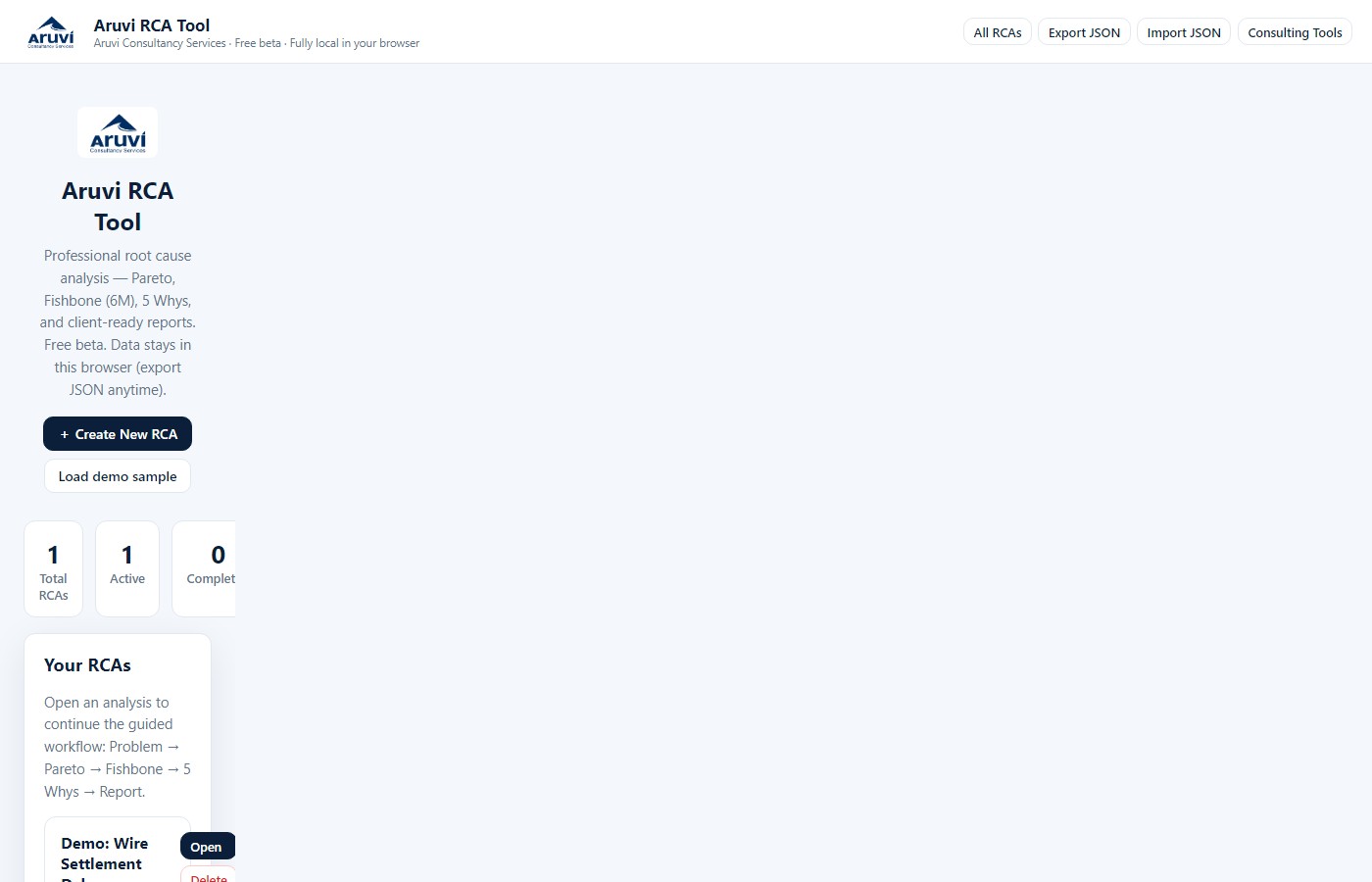
Figure 1: Home: create an RCA or load the demo sample.
Write a problem statement stakeholders can agree on. Include impact, scope, and timing. Set owner, status, and tags so the analysis is findable later. Weak problem statements tend to produce weak RCAs. This stage is not optional overhead.
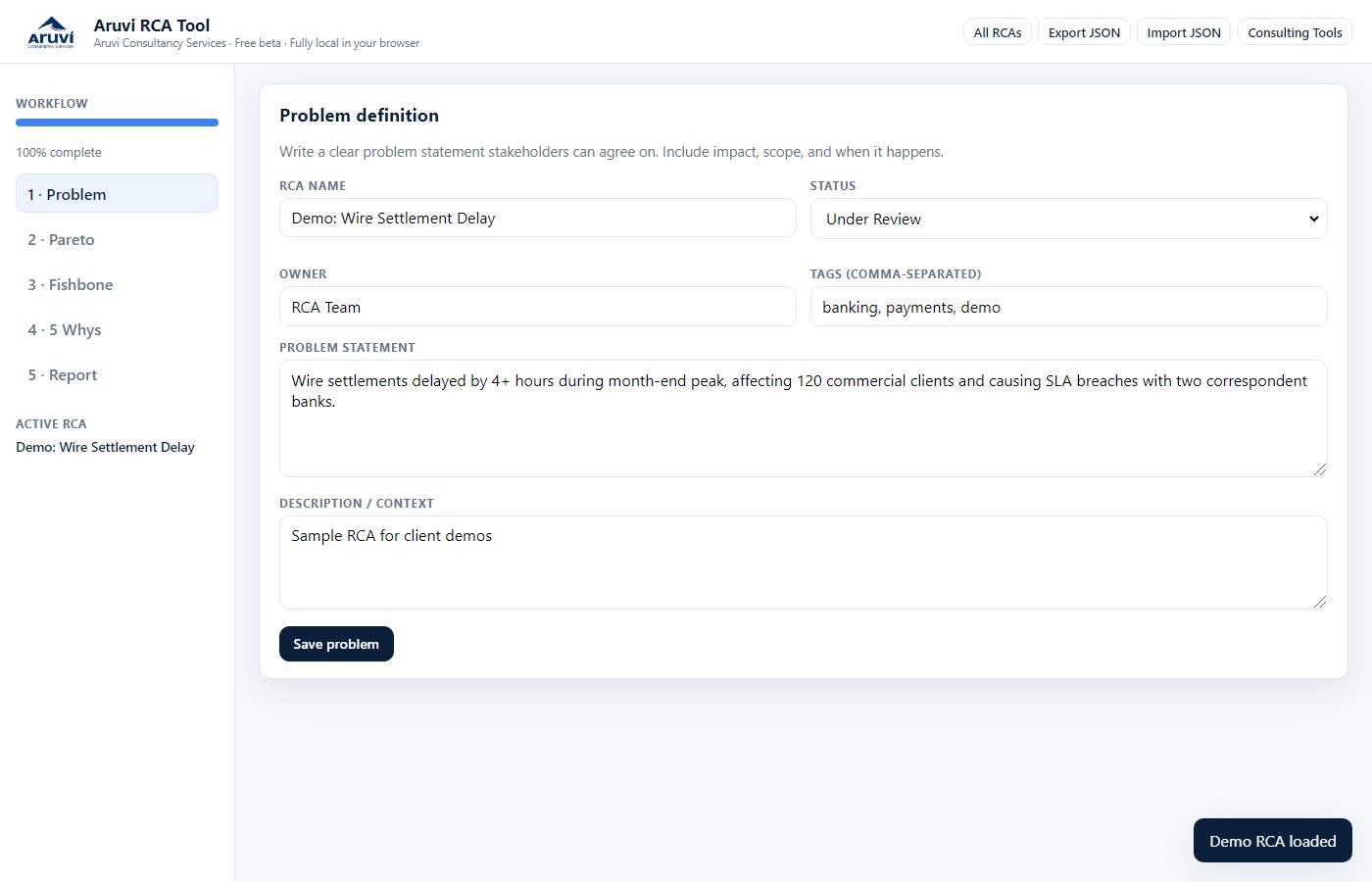
Figure 2: Problem definition with status, owner, and statement.
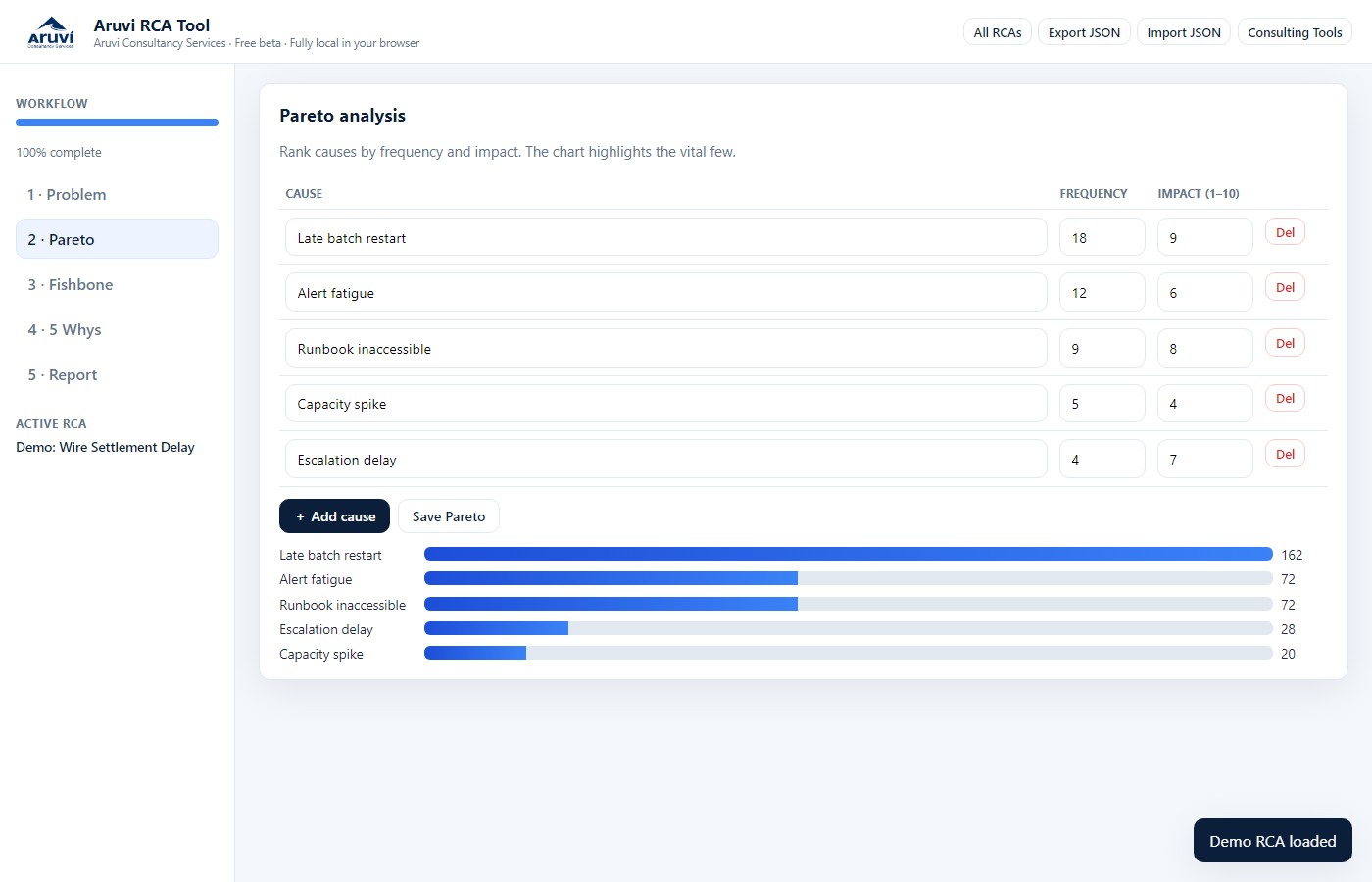
List contributing causes with frequency and impact. The ranking view makes the vital few visible so the team does not try to fix everything at once. In workshops, this is often where debate becomes productive instead of political.
Figure 3: Pareto ranking by frequency and impact.
Capture causes under Man, Machine, Material, Method, Measurement, and Environment. The point is not decorative Ishikawa art. It is balanced thinking so the team does not over-index on one category.
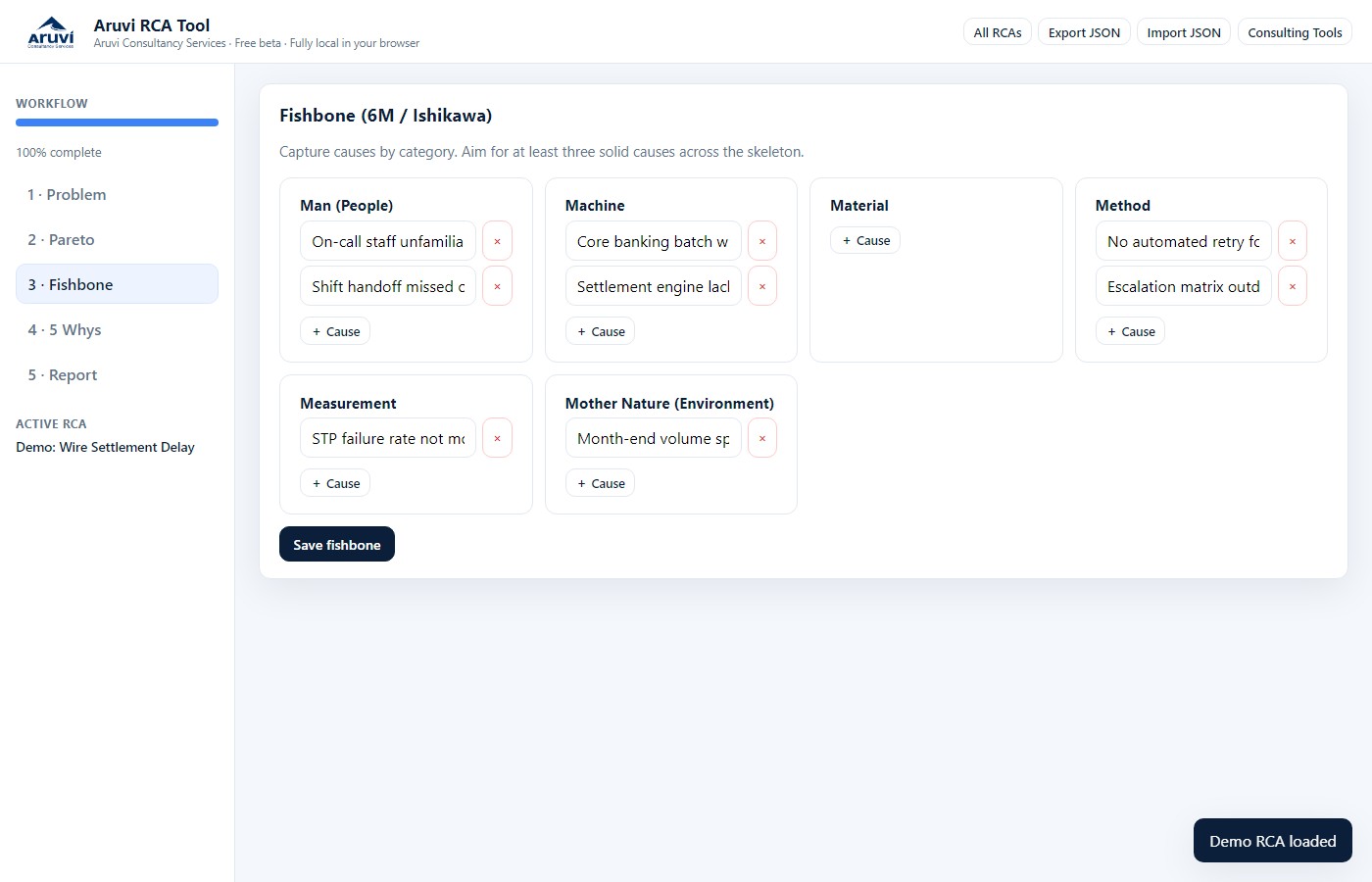
Figure 4: Fishbone categories for structured cause capture.
Walk the chain carefully. Update the questions as answers refine the story. End with a root-cause statement that is specific and actionable, something an organization can actually change.
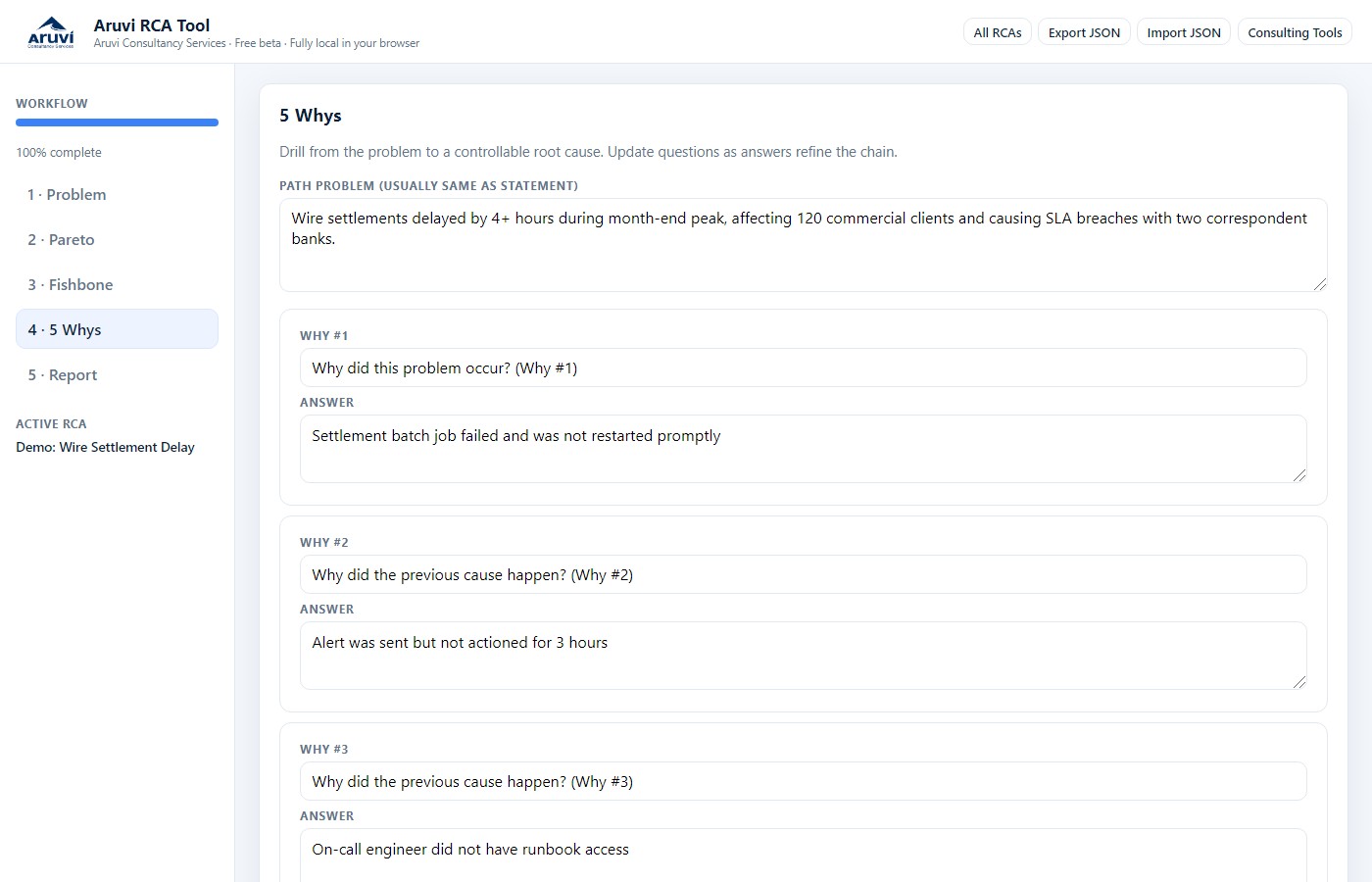
Figure 5: 5 Whys path and root cause statement.
Turn insight into action. Prioritize countermeasures, assign owners and due horizons on the action plan, then export. Download Markdown for documentation, print to PDF for email and steering packs, or export JSON so the full analysis is portable.
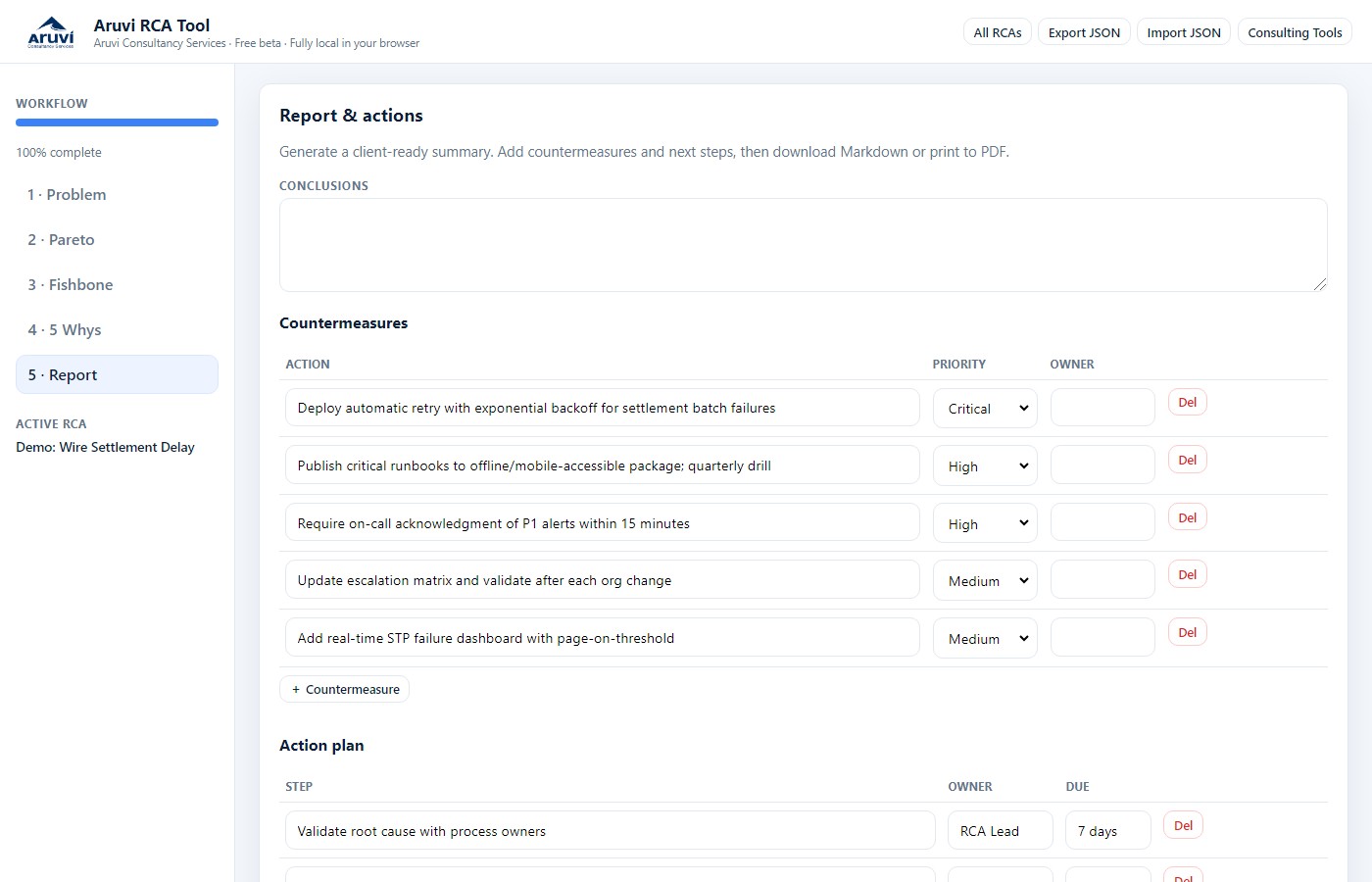
Figure 6: Report stage with countermeasures, action plan, and exportable summary.
This free RCA tool is not a claim that every regulated quality system should be replaced by a browser page. It is aimed at:
Root cause work rarely stands alone. Once you know what failed, you often need a process map of the fixed flow and a project plan to implement countermeasures. Free Tools also includes free Process Map Studio and Project Tool editions. Investigate. Redesign. Deliver.
Good RCA tools should make thinking rigorous and outputs shareable, without creating another system to maintain. The free Aruvi RCA Tool is there so you can run a professional analysis path, keep data under your control, and leave the room with something usable. It is free to try as a beta under Free Tools, built with AI-assisted iteration and a clear facilitation goal.
The free tool is a starting point. Many organizations need RCA methods fitted to their control environment, industry language, report templates, and governance. Others need facilitation support to run the investigation well.
I can tailor the tool for your specific needs or company, including:
If you want a free starting point, use the tool. If you want it shaped around your organization, or want help running the RCA itself, reach out.
Reach out for a quick chat on how I can help at Suganth@AruviConsultancyServices.com
Or connect on LinkedIn.